GAME DEVELOPMENT | CONCEPT | USER INTERFACE
The Future Tech Bootcamp was offered as workshop of the Creative Summer School at St. Pölten University of Applied Sciences. This is an innovation community-building format in which industrial companies call for challenges in future tech areas and invite makers to solve them together. In the following video, the results were pitched at the end of the week. I accepted the challenge of the Vienna Business Agency and developed an AR-Prototype, which I would like to explain in more detail below the video.
Challenge
The Vienna Business Agency invites around 1,500 pupils aged 8–15 to the ‘Forschungsfest on tour’ in autumn. There they will learn about careers and training opportunities, as well as current solutions to challenges in the areas of IT & digitalization, green tech & sustainability and life sciences & technology in health.
The task is to develop an interactive object that the students can interact with during the four-week program. An element or activity is searched that takes up the idea of ‘making’ and having fun with new technologies of the existing program. A room will be available for this project, which will use playful elements to inspire the curiosity of the students. They should be also motivated to continue working on the element or activity after the workshop.
Project concept & objectives
In looking for a fun and interactive way to present technology to the students, we decided to do a drawing competition for them. It is called ‘The Ideal City’ and we would give each student a piece of white paper with a marker on it.
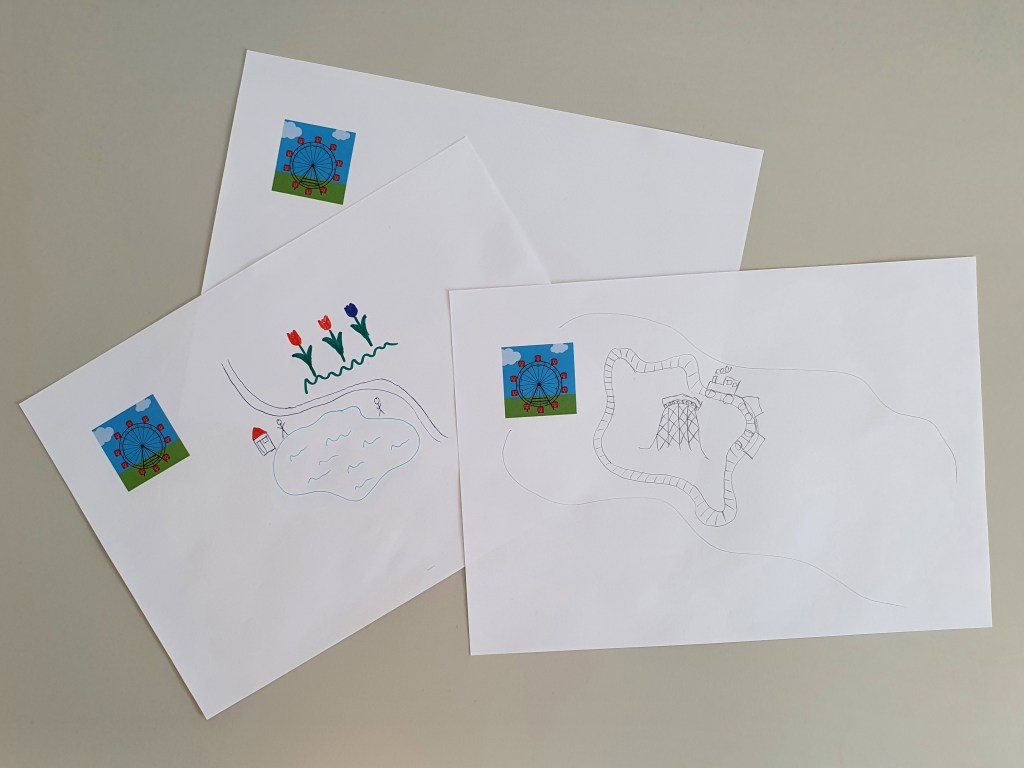
They get to draw their view of what ‘The Ideal City’ should look like. We thought they could draw everything from the trees and the rivers to the buildings and the cars. Their ideal city could also be a representation of Vienna. They would be given a few minutes to make the drawing and one of them would win the competition under certain conditions set by the teacher. The winner of the drawing competition would experience the technique first-hand, while the other students would watch the process on a video projector. From this point on, the teacher would explain the technology used to the students.
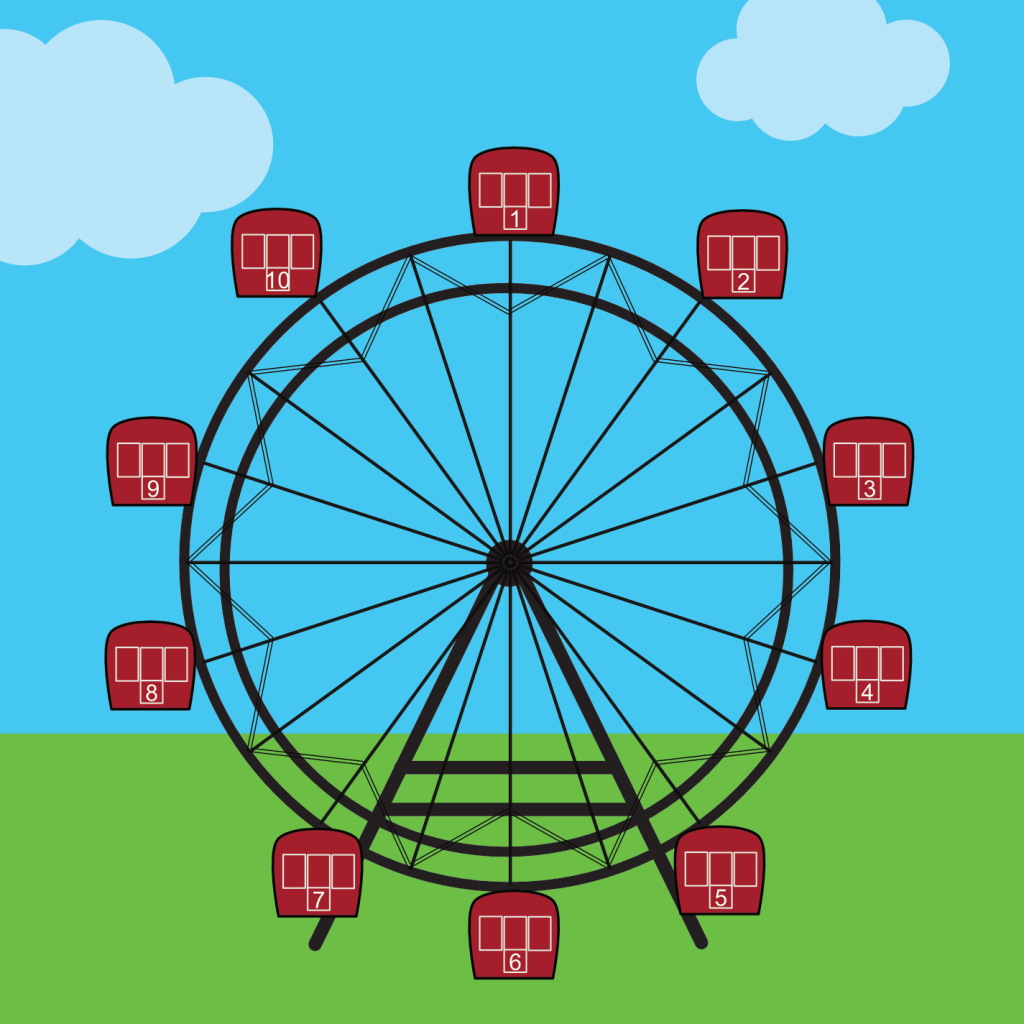
A connection must be created to augment reality. In this case, this connection is a two-dimensional marker of a Ferris Wheel. The AR-Prototype recognizes the marker and it triggers a 360°-Experience around a 3D-Object.
AR-Prototype
I developed an AR-Prototype to illustrate the concept of the project. It was realized with the Unity Game Engine, the AR Foundation Framework and the ARCore Software Development Kit for Android smartphones.
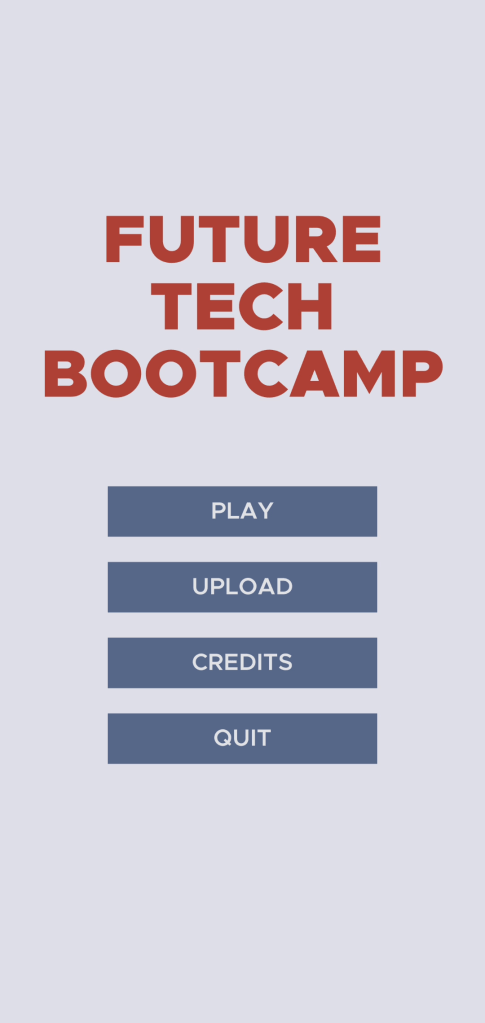
The player is asked for permission to use the camera when the app is started. After the player has agreed, the main menu opens where buttons can be used to start and end the game. The idea of the symbolic Upload-Button is that students can later upload a photo of their drawings. These could be projected as a collage on a wall of the room. An area with the credits of the game can also be viewed.
The game itself also works and once the camera has detected the marker, a fully animated and designed three-dimensional Ferris Wheel is placed over the marker. The AR-Prototype senses the real lighting situation and adds simulated lighting to the Ferris Wheel for a realistic merging of the two worlds.

Achievements
We found a good concept and an AR-Prototype that has a technological impact on the students. A fun, easy and interactive activity helps pupils to engage with the topic of the program and encourages them to become ‘makers’.
This project showed me how much can be achieved in a short time with a great team. The AR-Prototype is very vivid and was praised at the final presentation. It is completely playable and can be used for further development. The project was a lot of fun and I am very excited to see what the final workshop for the students will look like.
 Portfolio - Simon Hermann (©2025)